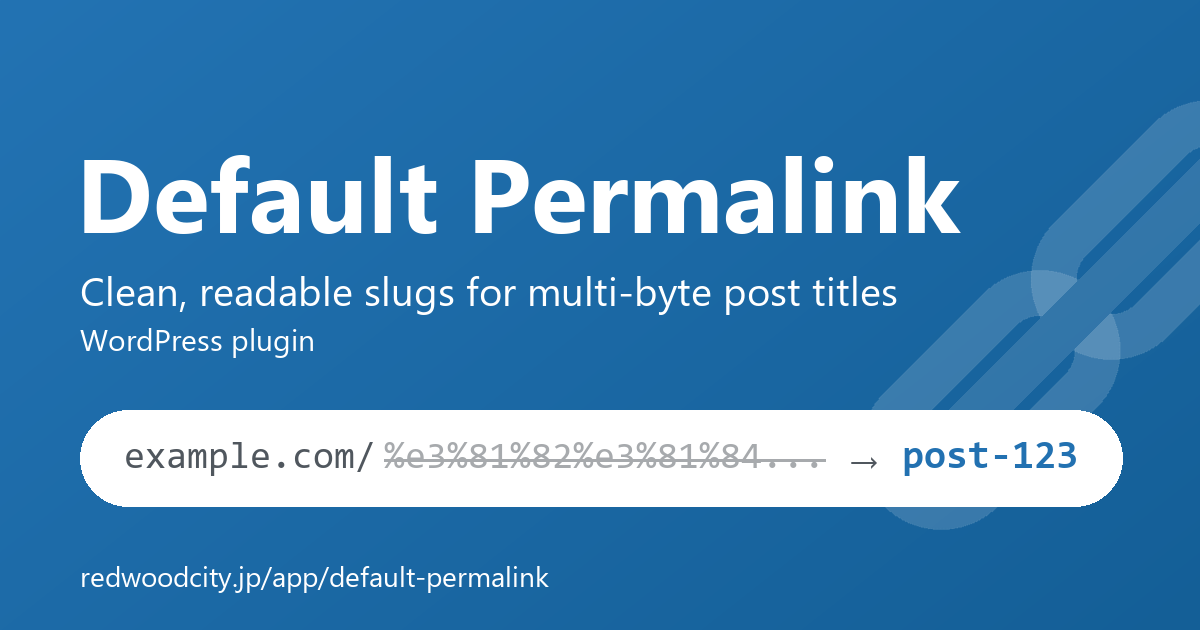
Frequently asked questions about Default Permalink.
I enabled the plugin but slugs are not replaced
In addition to activating the plugin, you need to check “Enable” under “Settings” → “Default Permalink” and save changes. Also, only auto-generated multi-byte slugs are replaced: posts whose slug is already fixed and post types that are not targeted are left untouched.
Is a multi-byte slug I specified myself replaced too?
No. A slug you explicitly enter in the permalink field is respected as-is, so you can still use multi-byte URLs when you want them.
Can I convert the URLs of posts created before installing the plugin?
Yes. The “Bulk convert existing slugs” tool at the bottom of the settings page converts existing multi-byte slugs to the selected format, 50 posts per run (each run continues from where the previous one stopped). On large sites, wp default-permalink convert (WP-CLI) converts them all without the limit (or in steps with --post_type / --limit). Scheduled posts stay scheduled; only their slugs are converted.
Do old URLs break after converting a slug?
No. WordPress core remembers the old slug and redirects (301) old URLs to the new permalink, so search engines pick up the new URL as well.
Does it work with custom post types?
Yes. You can select any public post type under “Target post types” in the settings. Note that custom post types registered after the setting has been saved are not targeted automatically — check them on the settings page.
How do I know a slug has been replaced?
A notice is shown once: in the block editor right after saving, and in the classic editor the next time you open the edit screen. It is not shown for posts created by WP-CLI or imports, or saved with Quick Edit (nobody would see it; the slug is still replaced).
Can I use my own slug format?
Yes. The generated slug is passed through the default_permalink_slug filter (default_permalink_term_slug for terms), so you can customize it from your theme’s functions.php. See the developer documentation for details.
Are posts created via the REST API or WP-CLI replaced too?
Yes (since 1.6.0). Posts created directly via the REST API, WP-CLI, wp_insert_post() or media uploads are replaced too. A slug specified when creating the post is kept.
Can category and tag slugs be replaced?
Yes (since 1.7.0). Select them under “Target taxonomies” and new terms with a multi-byte name get a slug such as category-12. Off by default; existing terms are not changed.
What does the Site Health check show?
A Default Permalink check appears under “Tools” → “Site Health” (since 1.10.0, WordPress 5.2 or later). It recommends checking “Enable” in the settings if that is not done, and passes when enabled. If posts with a multi-byte slug remain, it also shows their number and a link to the bulk conversion.
Does any data remain after uninstalling?
All plugin options and notice records are deleted on uninstall. On multisite, they are deleted from every site of the network. Converted post slugs are part of the post data itself and remain unchanged (URLs do not change).